Short answer: For a small business, the best AI tool depends on who will build and maintain the app. Lovable or Emergent if you want to build it yourself by chatting. Bubble if you want visual control and don't need the code. Base44 for a simple internal tool. Replit if someone on the team is technical. Devfab if you want a tested app on your own server, built by agents with a plan you approve, or built for you by a team using it.
What small businesses actually build
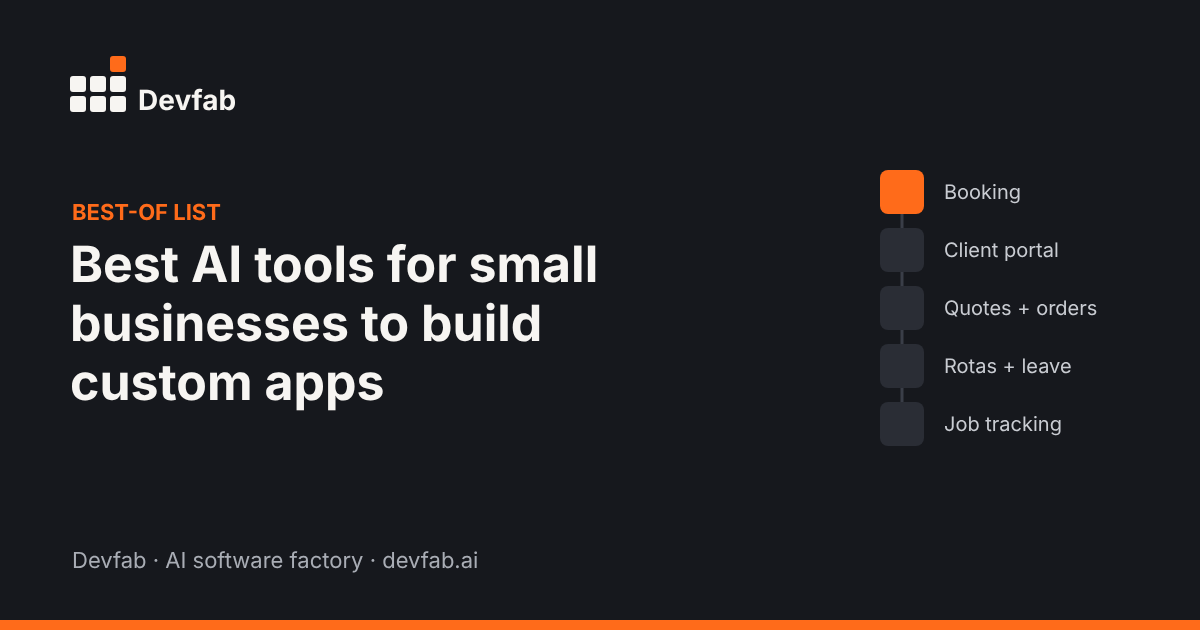
Most small-business apps replace a spreadsheet, an inbox or a paper form:
- booking and scheduling
- customer or client portals
- quotes, orders and invoices
- staff rotas and leave requests
- inventory and job tracking
- field service work orders
These don't need a big engineering team, but they do need to work every day and keep data safe.
How we picked and compared
We looked at tools a non-specialist can use to get a working app, based on vendor pages and independent reviews as of November 2026. For each we asked: who builds with it, do you own the code, where does it run, how is it priced, and what happens after the first version. We describe pricing models, not prices, because they change often.
Quick comparison table
| Tool | Best for | Skill needed | You own the code? | Hosting | Pricing model |
|---|---|---|---|---|---|
| Lovable | Polished web apps by chat | Low | Yes (GitHub sync) | Supabase + deploy | Credits |
| Emergent | Web + mobile apps by chat | Low | Yes (GitHub sync) | Built in | Credits |
| Bubble | Visual no-code apps | Medium (learning curve) | No export | Bubble | Plans + workload units |
| Base44 | Simple internal tools | Low | Limited | Base44 | Credits |
| Replit | Apps with a technical owner | Medium | Yes | Replit | Effort-based |
| Devfab | Tested apps on your own server | Low to describe, review plans | Yes, your GitHub | Your server | Cost logged per task and project |
One section per tool
Lovable
Best for: owners who want a polished web app quickly and may hand it to a developer later. It generates React web apps with Supabase for data and sign-in, and syncs code to GitHub. Limits: web only; each message uses credits, including fixes.
Emergent
Best for: non-technical owners who want web and mobile apps with hosting and integrations (payments, email, sign-in) ready to go. Limits: credits can run down quickly while debugging, and keeping an app live also uses credits.
Bubble
Best for: custom B2B tools with complex workflows where you want visual control. Limits: no code export, a learning curve, and hosting billed by workload units that are hard to forecast.
Base44
Best for: a simple internal tool you'll keep on one platform. Limits: apps run on Base44's platform and export is limited, so moving later means rebuilding.
Replit
Best for: businesses with someone technical who wants to see and edit every line, with built-in database and deployments. Limits: effort-based pricing can be hard to predict; the full IDE can overwhelm non-technical users.
Devfab, with honest limits
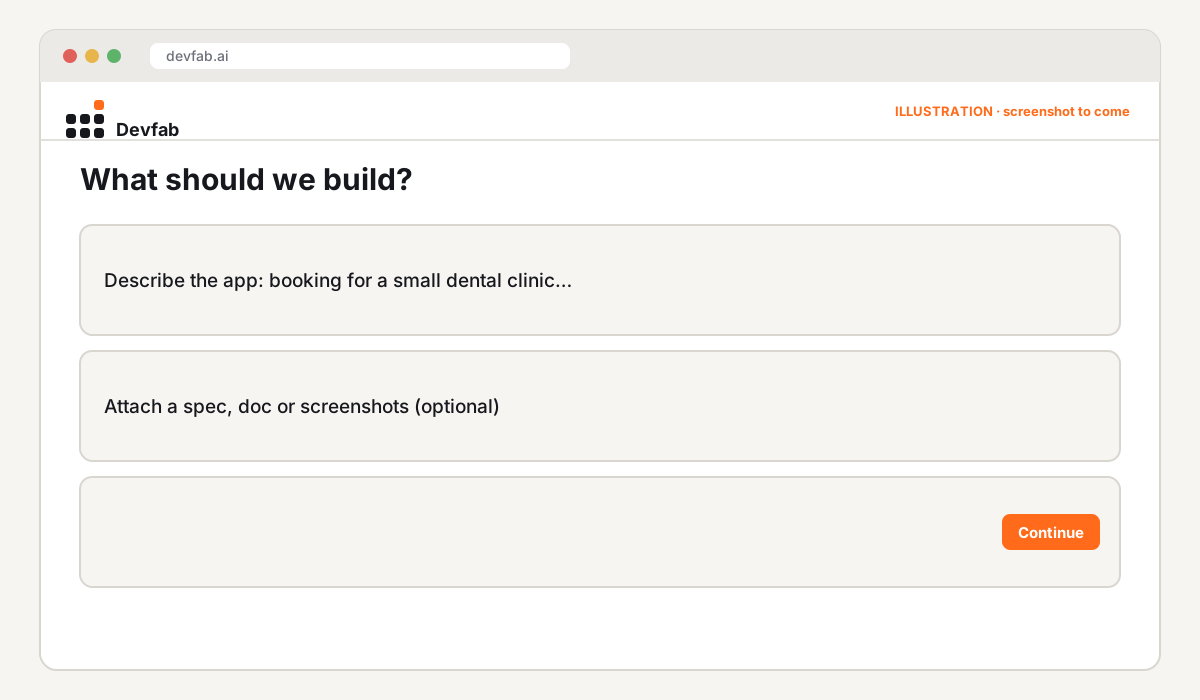
Best for: businesses that want an app they can rely on: planned, tested and running on their own server, with code in their own GitHub. You describe the workflow; the Planner writes a plan you approve; developer agents build it and a QA agent reviews every ticket, including UI and flow tests. You can choose to approve each stage (Human in the loop) or let it run (Auto).
Limits: Devfab needs a GitHub account for the code. It's new and in Beta, with fewer ready-made integrations than Emergent or Lovable. It isn't a drag-and-drop editor.
How to choose
- Will you build it yourself, today? Lovable or Emergent.
- Want visual control and happy to stay on one platform? Bubble.
- Simple internal tool? Base44.
- Someone technical on the team? Replit.
- Customer-facing or business-critical, and you want to own it? Devfab.
Before you choose, write one page: the problem, who uses the app, up to five must-have flows, the data and what "done" means. Every tool on this list works better with it.
FAQ
Can a small business build a custom app without a developer?
Yes, for many internal tools and simple customer apps. For anything handling payments, personal data or many daily users, plan for testing and someone responsible for maintenance.
How much does it cost to build a custom app with AI?
Most tools charge a monthly plan plus usage (credits, tokens or workload units). The biggest cost driver is usually debugging and changes, not the first version. Look for tools that show cost per task or per change.
Should a small business own its app's code?
If the app matters to the business, yes. Owning the code means you can switch tools, hire a developer or move hosting without rebuilding.
Read next
- Prototype vs MVP vs production app
- Bubble alternatives for teams that ship to production
- Emergent alternatives for teams that ship to production
See your app before you commit. Join the Devfab Beta.
Sources (checked November 2026): Altar.io comparison; Geekflare: Emergent review; Jet Admin: Bubble review.
Frequently asked questions
Can a small business build a custom app without a developer?
Yes, for many internal tools and simple customer apps. For anything handling payments, personal data or many daily users, plan for testing and someone responsible for maintenance.
How much does it cost to build a custom app with AI?
Most tools charge a monthly plan plus usage (credits, tokens or workload units). The biggest cost driver is usually debugging and changes, not the first version. Look for tools that show cost per task or per change.
Should a small business own its app's code?
If the app matters to the business, yes. Owning the code means you can switch tools, hire a developer or move hosting without rebuilding.